Medium
Beyond UI: What can AI really help in UX
AI has reshaped and boosted how we design UIs. But what can it truly offer UX design at large — especially in research and design thinking?
In recent years, AI tools have become ubiquitous in UX, often promising to accelerate design by generating interfaces or writing copy. However, their deeper value lies beyond just crafting screens — AI can support every stage of human-centered design.
In fact, industry surveys show over 90% of UX practitioners regularly use generative AI tools. In other words, AI can take on many routine or data-heavy tasks, allowing human designers to devote more energy to strategy, empathy, and creativity.
Preface
Before we dive into how AI can support UX design, we need to first understand the difference between AI and human capabilities — only then can we define the right mode of collaboration.
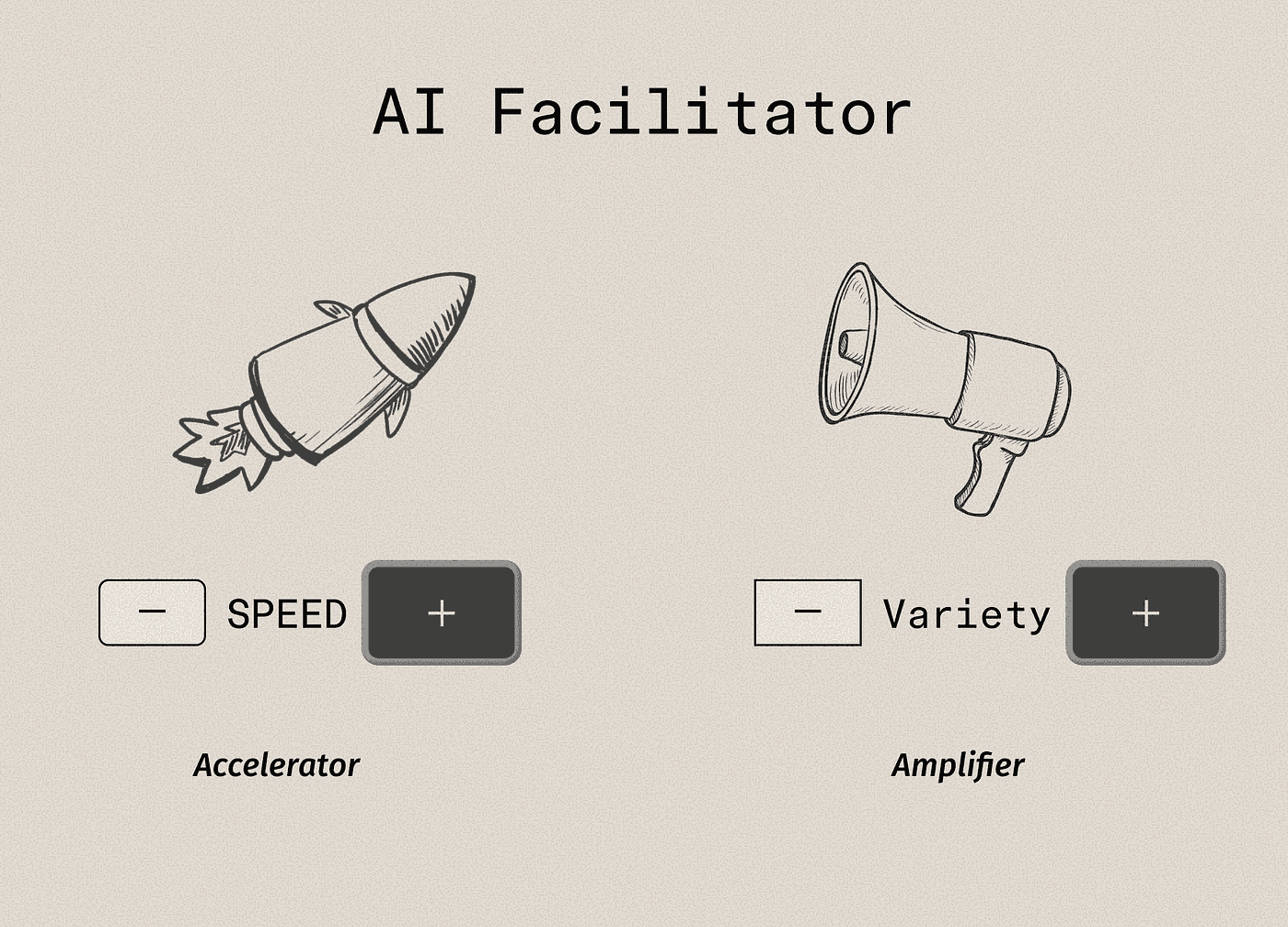
AI doesn’t make decisions for you. It accelerates, scales, and supports — but the driver is still human.
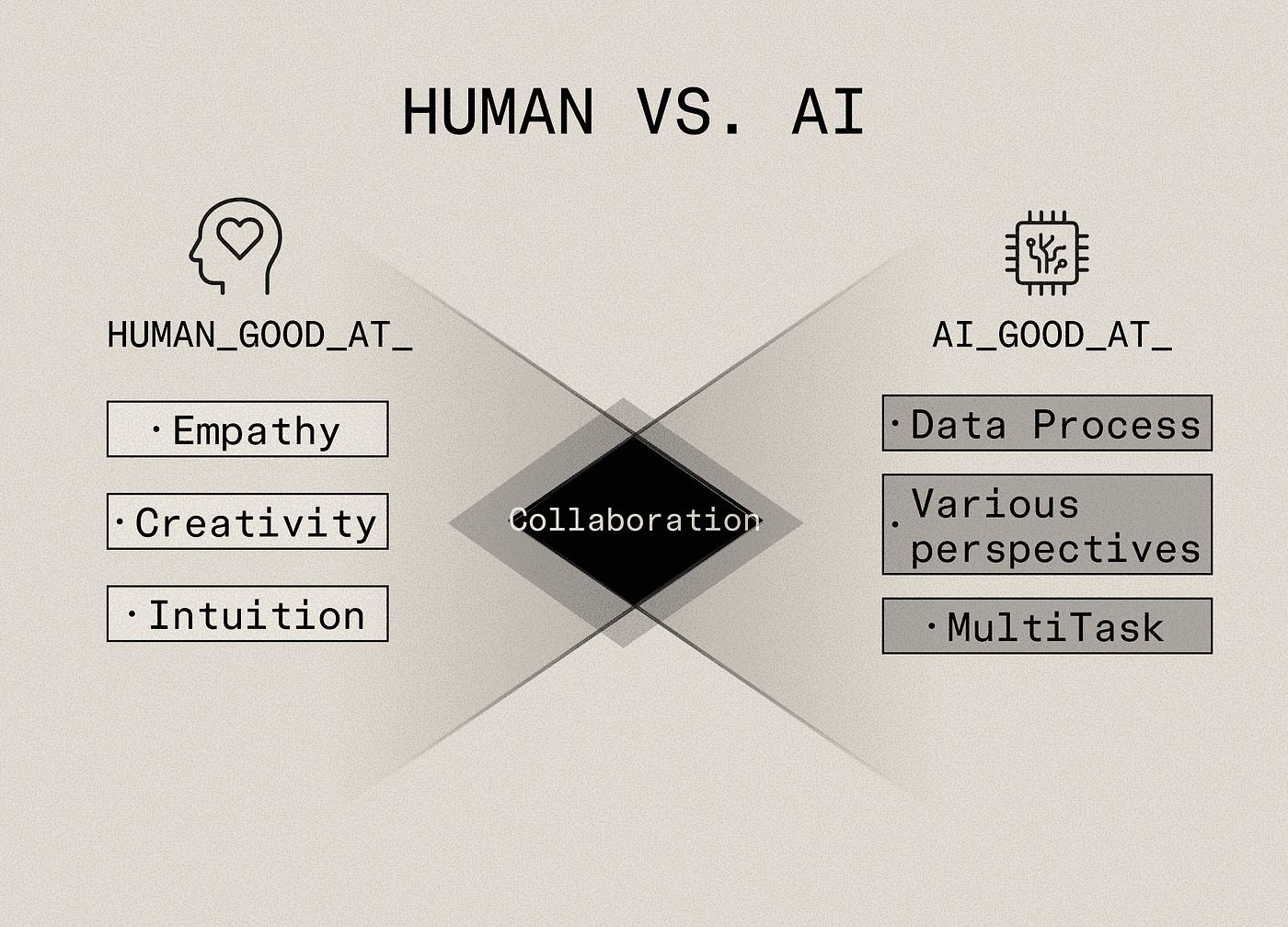
AI is good at data processing and multi-tasking. However, humans have empathy, creativity and intuition — the core of human-centered design.
Category
Design thinking remains our timeless mindset compass as long as design serves human.
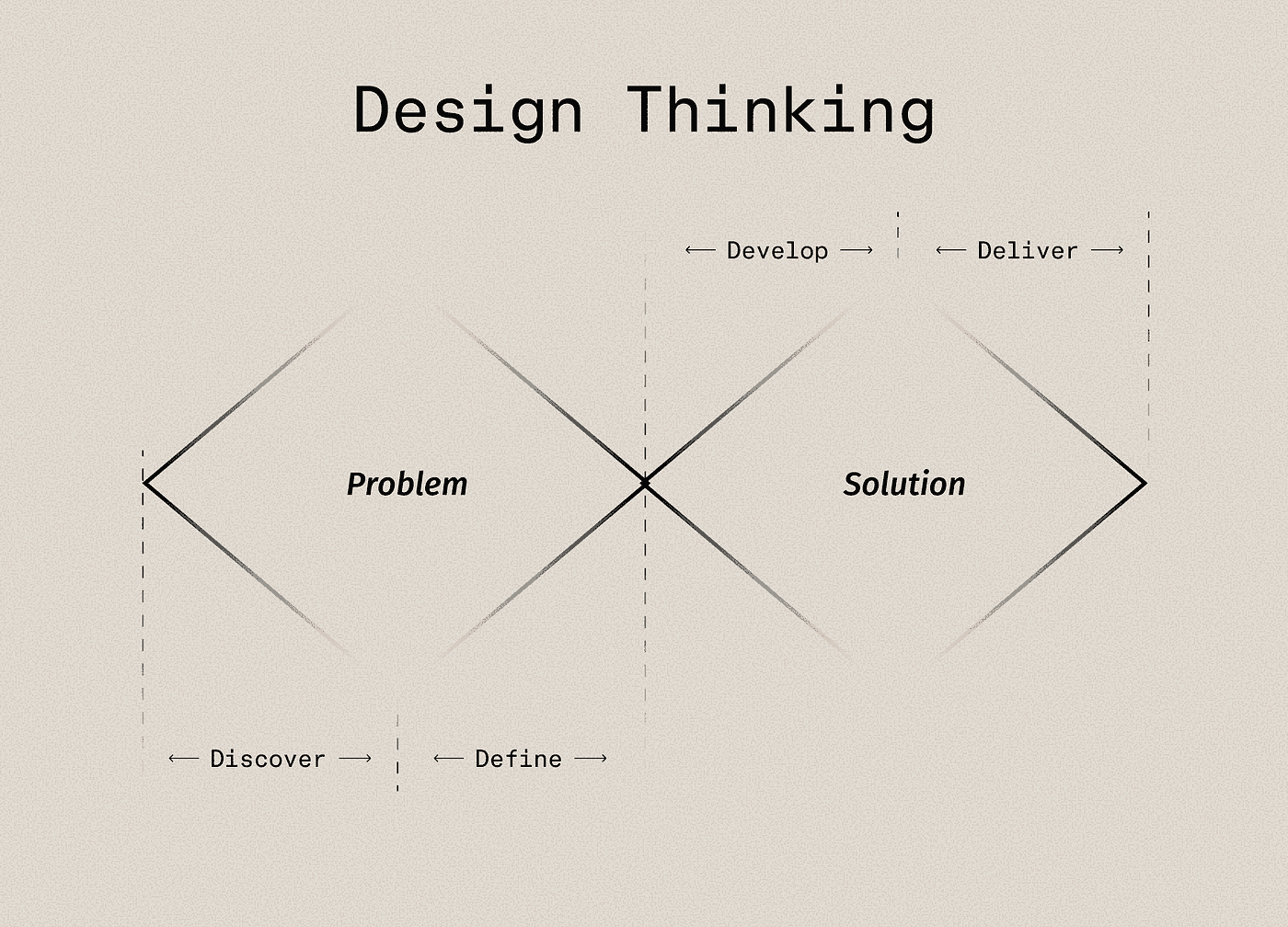
Set clear objectives at each stage so that AI won’t lead the design thinking without you realizing it.
1. Discover Stage

Deck research
Web search: Identify where your most active users are — such as Reddit or TikTok comment threads. AI can then help process large amounts of data through summarization, offering a quick view into recurring topics.
Deep research: AI can assist in reading and summarizing lengthy industry reports, helping surface diverse perspectives or lesser-seen problem spaces.
User research
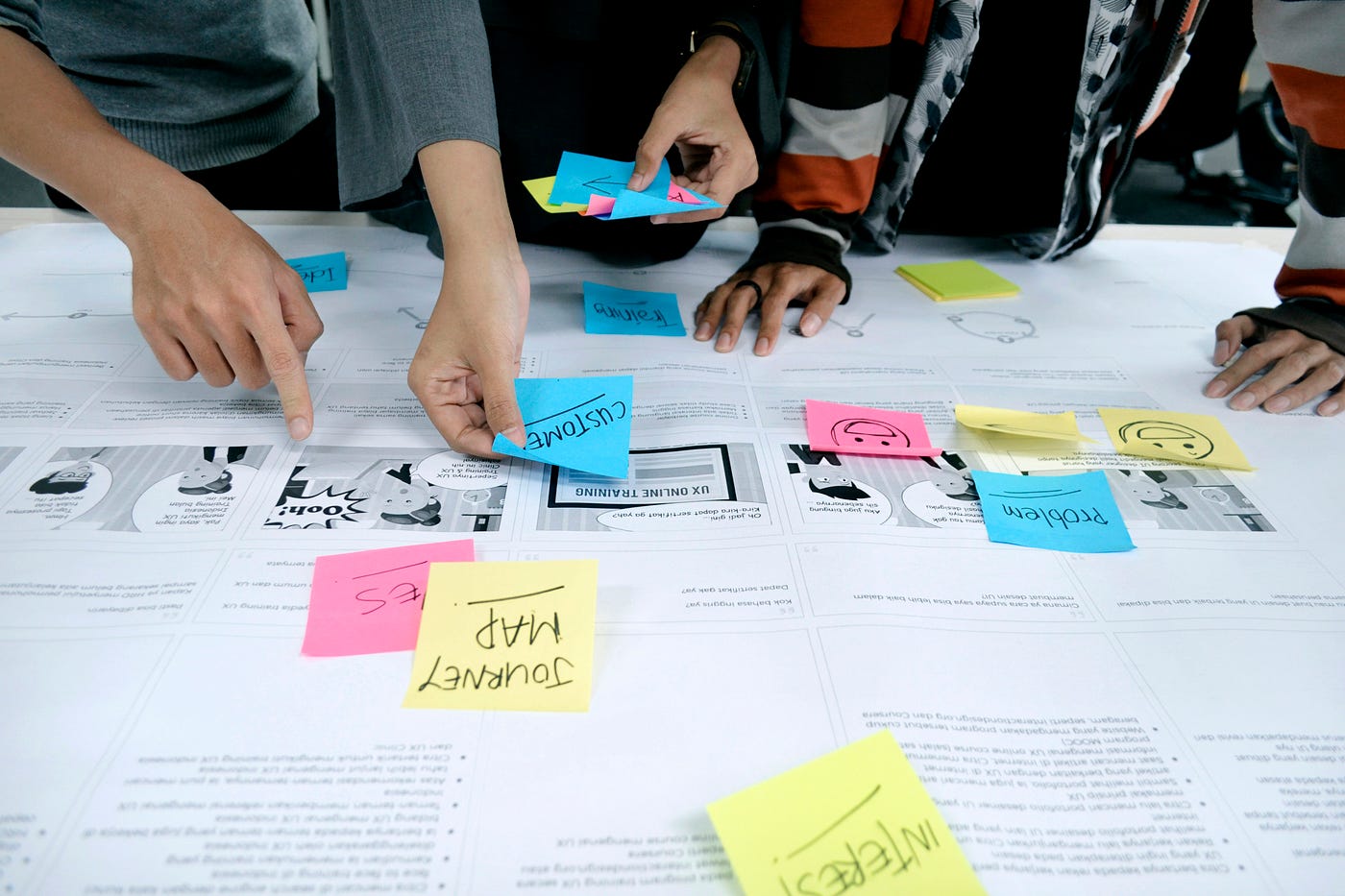
User interviews: Once we’ve clarified the key topics we want to explore, we can invite AI to draft initial question sets. You can also test your interview script with AI-simulated users.
Questionnaire: Designers first need to decide direction, then decide what kind of data to collect and which model to use (e.g. KANO, satisfaction scoring). AI can help draft the first version.
2. Define Stage
Objective: Make sense of gathered information, structure it clearly, synthesize it and articulate the core problem.
AI can organize messy notes, remove duplicates, categorize data, identify recurring themes, and surface patterns that may not be obvious at first glance.
Once insights begin to take shape, define the format and purpose of your final output — journey map, research summary, or persona?
3. Develop Stage
Once we have a clear problem statement, we can leverage AI’s strength to produce many design solutions in a short time.
After framing the problem clearly, ask AI to propose solutions tailored to your project’s priorities — whether practical implementations or bolder, more creative solutions.
Practical Solutions: Provide AI with your project's existing tech stack and let it generate solutions that fit within those constraints.
Creative Solutions: Provide AI with latest or sci-fi technologies as a framework for more adventurous, out-of-box solutions. Or introduce extreme user personas to spark unexpected ideas.
4. Delivery Stage
With AI coding tools like Lovable and Cursor, a new rapid-idea-validation workflow has come.
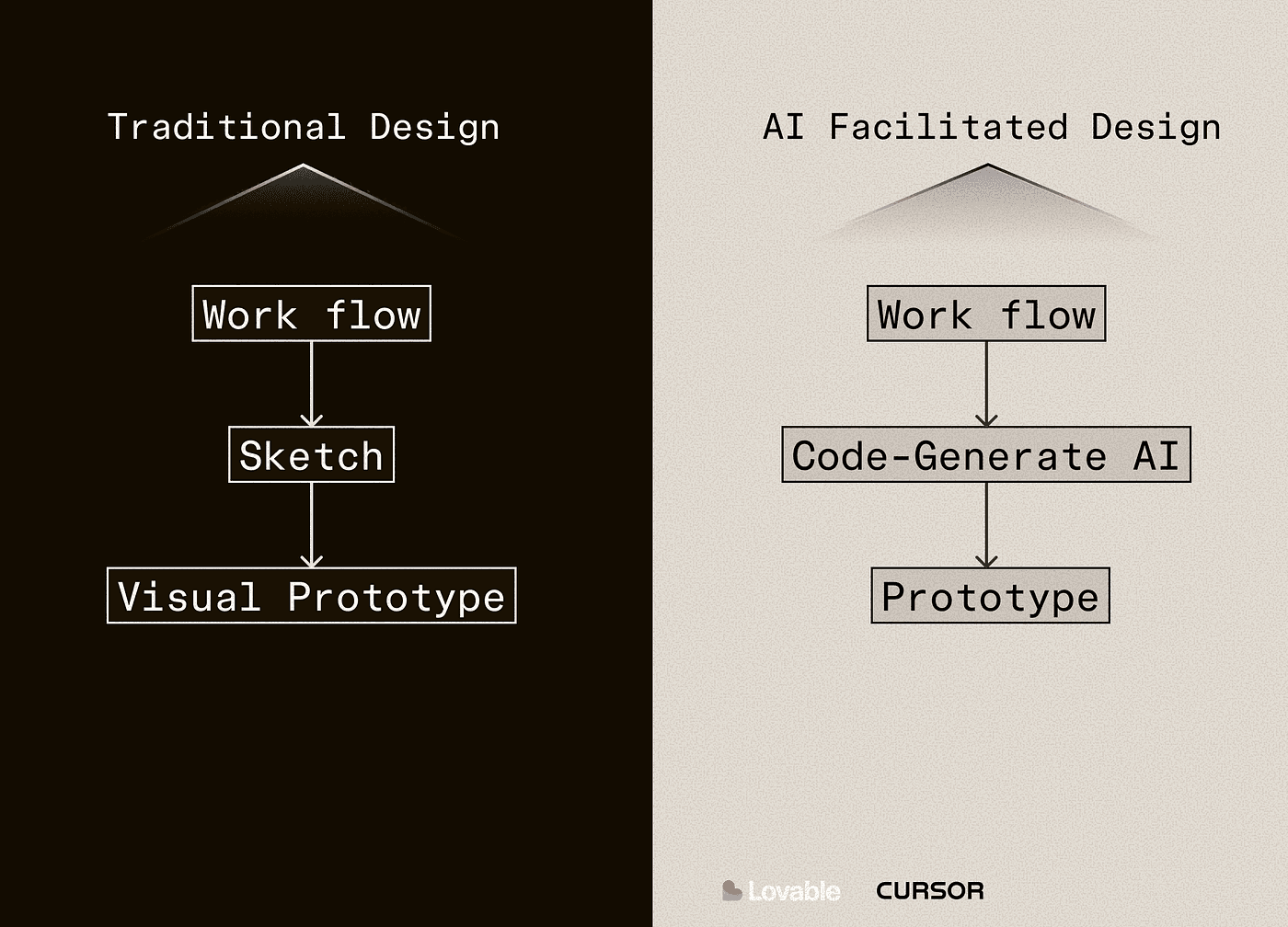
In rapid proof-of-concept work, flashy UI is a luxury you can skip. What really matters is a lean MVP that demonstrates your core solution. Use tools like Cursor or Lovable to spin up a testable prototype with a single command.
In this article, I use the word “AI” instead of specific LLM or AI app names since everyone has their own preference. Thanks very much for your time. Please feel free to leave your comments.